External System
Connect an external system such as AccountWise to pick vendors and purchase orders from it.
Connecting an external system lets you pick vendors and purchase orders from that system instead of typing them in. Until one is connected, vendor profiles fall back to manual entry.
Connecting an external system
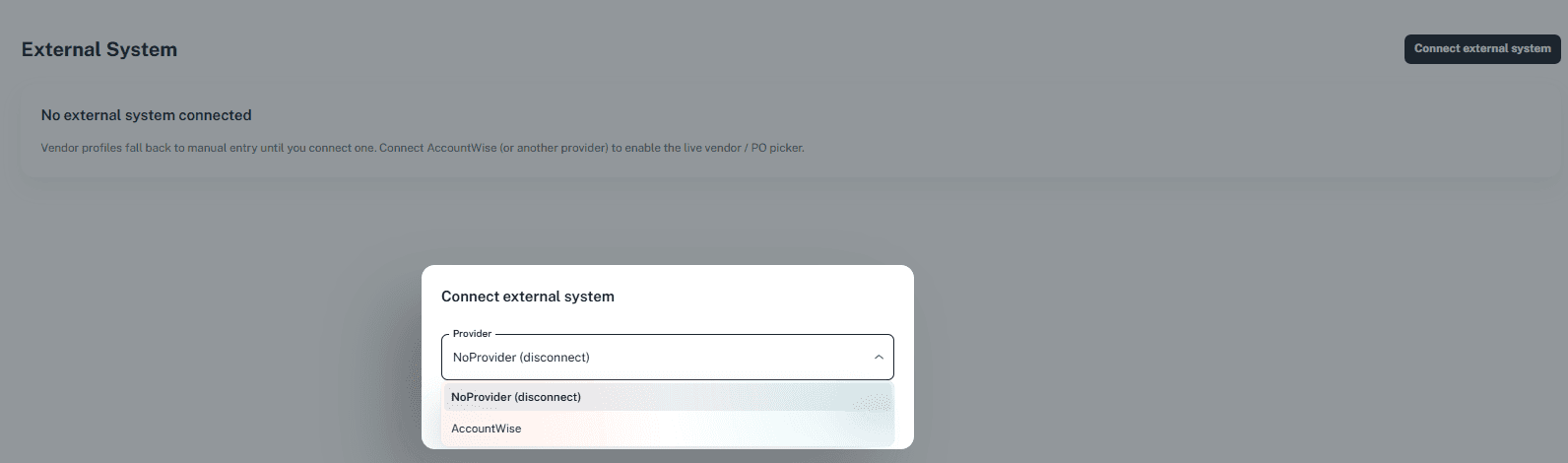
Click External System under Configuration in the portal menu. If nothing is connected, the page shows No external system connected.
Click Connect external system (top right). The Connect external system dialog opens.
Open the Provider list and choose AccountWise.
Disconnecting
To disconnect, open the Connect external system dialog and choose NoProvider (disconnect) from the Provider list.
Next: Label Printer